 reelish
The recipe, out of the reel.
Extract ingredients and directions from Facebook and Instagram reel captions, right where you found them.
CHROME EXTENSION / COMING SOON
Extract a recipe. Start your cookbook.
Turn Facebook and Instagram reel captions into recipes. Save them for later, copy to notes, or download a recipe PDF for your cookbook.
Coming soon to the Chrome Web Store.Reelish isn’t available to install yet. Explore the preview below.
Extract ingredients and directions from Facebook and Instagram reel captions, right where you found them.
Keep recipes on your device, or copy them into your notes app with the original reel link.
Collect your favorites in notes or download individual recipe PDFs to print for your own cookbook.
01 / RIGHT IN YOUR FEED
Open a recipe reel on Facebook or Instagram. Click the Reelish icon in your toolbar, then Extract Recipe.
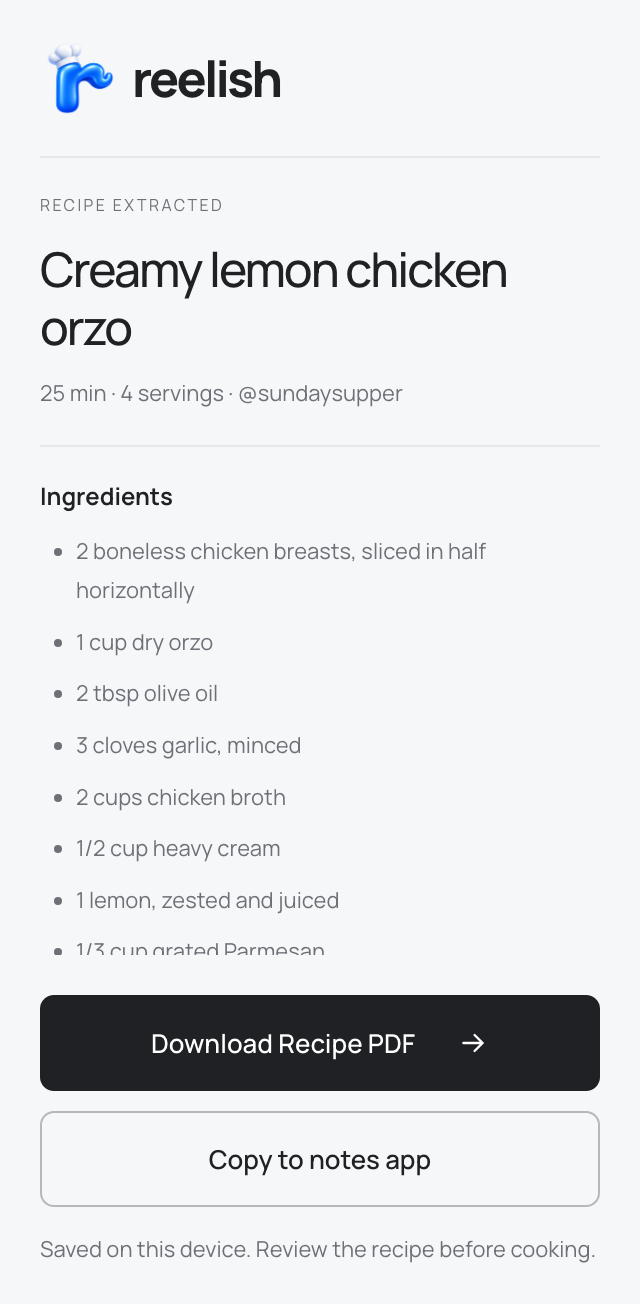
Reelish opens the caption and gathers its ingredients and directions. Your recipe stays right there in the popup.
Small popup. No side panel.
Creamy lemon
chicken orzo
02 / READY FOR YOUR KITCHEN
The ingredients and directions, together in one place. If the caption leaves something out, Reelish lets you know.
Emoji headings, ingredient bullets, numbered steps, and the original recipe link. Copy, then paste into your favorite notes app.
Keep a printable copy for the kitchen counter. Less scrolling with flour on your hands.
03 / FOR THE KITCHEN COUNTER
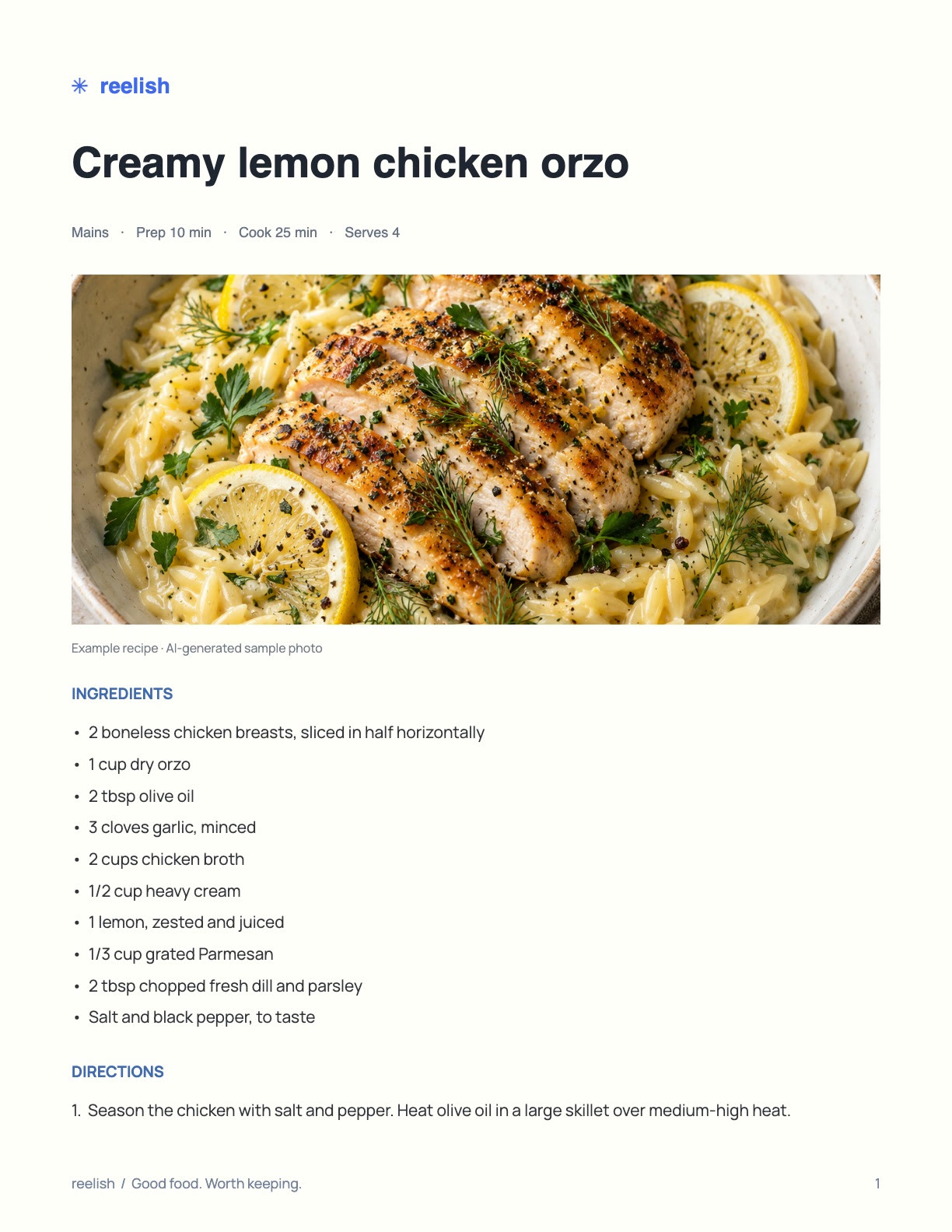
Choose Download Recipe PDF for a clean, printable page. The photo, ingredients, and numbered directions, with the original creator and link at the end.
The PDF is made in Chrome on your device and saved to your Downloads.
Caption processing happens on your device. Keep a copy in your notes app or as a PDF, ready for your next “I’m making that.”
How your data is handledReelish is coming to the Chrome Web Store for desktop Chrome. This is where you’ll find it when it’s ready.